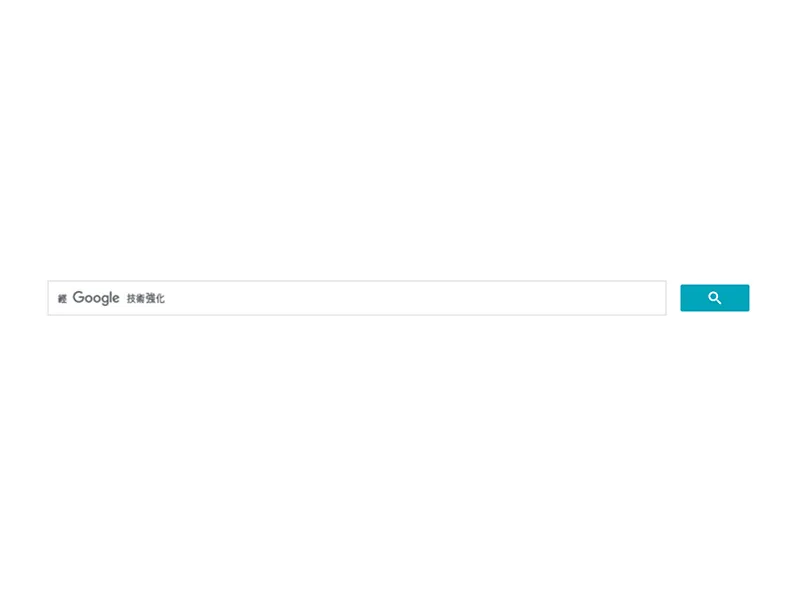
Google 自訂搜尋引擎(Programmable Search Engine, CSE)讓你可以將 Google 的搜尋結果嵌入到自己網站上。本篇教學將示範如何自訂搜尋框,並使用 gcse-searchresults-only 只顯示搜尋結果,這樣你就可以從網站上的任何地方搜尋後並在目標頁顯示搜尋的結果。
Step 1: 到 cse 建立一個目標網站的搜尋引擎
可以參考利用 google 程式化搜尋(cse) 幫你的網站製作搜尋功能的文章說明
接著建立兩個頁面:
-
index.html(搜尋欄) -
search.html(顯示搜尋結果)
Step 2:建立自己的搜尋框(index.html)
建立一個搜尋框的 UI 並設定目標網址
<form action="/search.html" method="get">
    <input type="text" name="q" placeholder="請輸入關鍵字">
    <button type="submit">搜尋</button>
  </form>
表單會將使用者輸入的 q 參數傳到 search.html?q=關鍵字
Step 3: 設定搜尋結果顯示頁(search.html)
把你設定好 cse 拿到的 code 貼上:
<script async src="https://cse.google.com/cse.js?cx=你的搜尋引擎ID"></script>
<div class="gcse-searchresults-only"></div>
注意 div 那層的 class 要改 gcse-searchresults-only,這意思是只顯示搜尋結果但不顯示搜尋輸入框。
接著貼上以下的 js,意思是把從網址抓到的變數丟到搜尋的結果。
/ 取得網址參數中的關鍵字
    function getQueryParam(name) {
      const params = new URLSearchParams(window.location.search);
      return params.get(name);
    }

    const keyword = getQueryParam('q');

    // 等 CSE 載入完成後,執行關鍵字搜尋
    window.__gcse = {
      callback: function() {
        if (keyword) {
          const element = google.search.cse.element.getElement("searchresults-only0");
          if (element) {
            element.execute(keyword);
          }
        }
      }
    };
請記得將 你的搜尋引擎ID 替換為你從 CSE 控制台取得的 cx 代碼。
結果可以參考我做的 Tripo 的這頁。
以上給有需要的朋友參考。